
Context loss during conversation compaction is one of the biggest challenges facing AI coding agents today.
When you're deep in a coding session with an AI agent, the conversation eventually hits a context limit. The agent compacts older messages to make room — and in doing so, loses track of important structural details about your codebase. Function signatures, dependency chains, architectural decisions — all gone.
The Compaction Problem
Every AI coding agent faces this fundamental tension: context windows are finite, but codebases are not. When compaction kicks in, the agent has to decide what to keep and what to discard. Without a persistent structural model of the code, it makes those decisions blindly.
The result? Your agent starts asking questions it already answered. It re-reads files it already analyzed. It loses track of the dependency chain it spent 20 minutes mapping out.
What Goes Wrong in Practice
I'm sure you've been here: you've been working with an agent for 45 minutes on a large refactor. The agent has traced the full call chain from your API layer through three service classes down to the database. It knows which functions are entry points, which are internal utilities, and which are shared across features.
Then compaction hits. The agent trims the oldest context. It keeps the most recent messages and discards the architectural work from the beginning of the session. The next time you ask it to add a new endpoint, it starts re-reading files from scratch. It asks questions it already answered. It makes changes that conflict with decisions from 30 minutes ago.
The agent has nowhere to put what it learned. No external store, no persistent model of the codebase. Every compaction event starts that process over.
Code Graphs as Persistent Memory
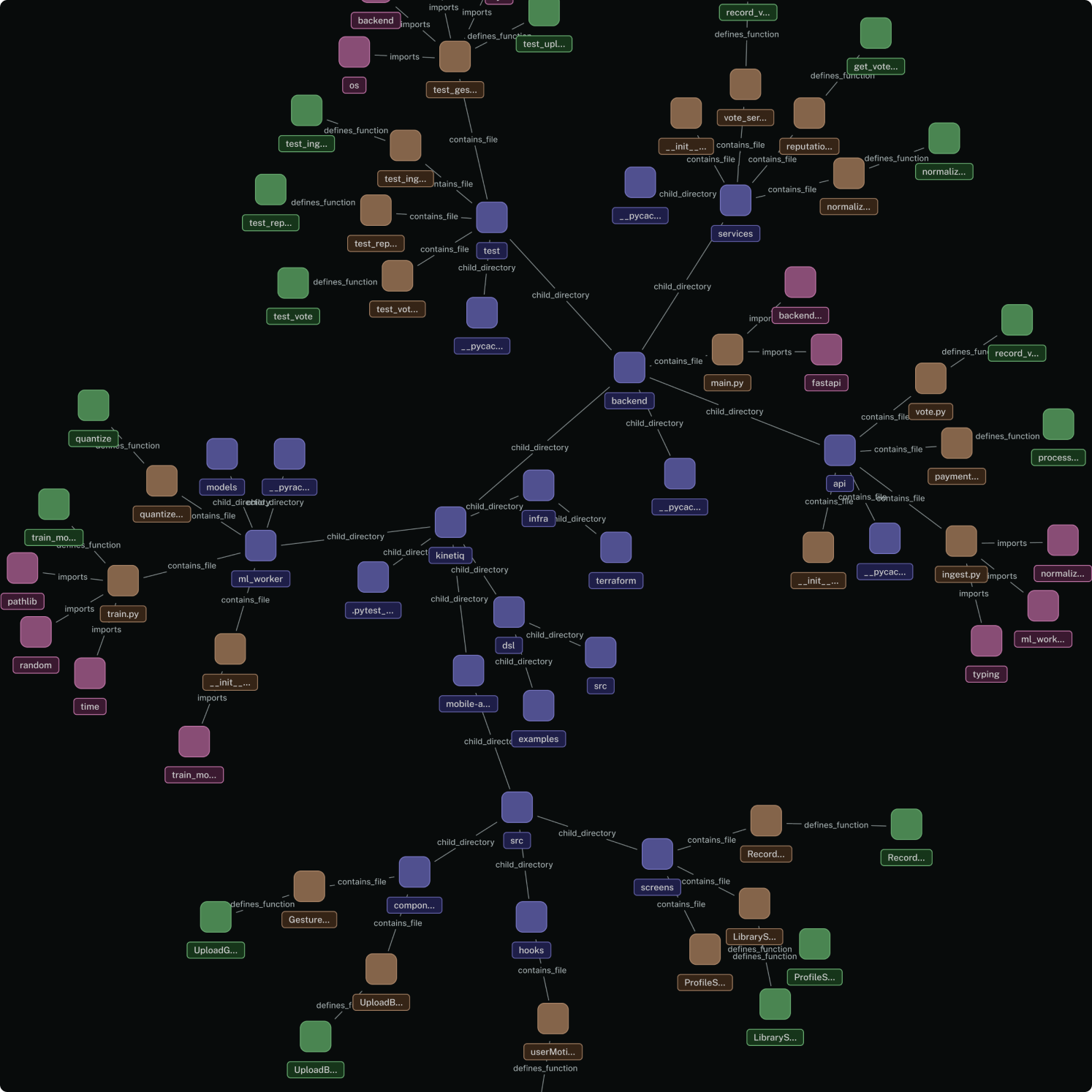
A code graph is a structured representation of your codebase — functions, classes, modules, and the relationships between them. When an AI agent has access to a code graph, compaction becomes much less painful because the structural understanding lives outside the conversation.
The agent can compact freely, knowing that it can always query the graph to recover:
- What functions exist in a module
- How files depend on each other
- What the call chain looks like for a given feature
- Where types are defined and used
What Querying the Graph Actually Looks Like
When an agent has access to Supermodel, structural understanding no longer lives in the conversation. Through the Supermodel MCP server, an agent can call the symbol_context tool with any function or class name and immediately get back its full caller and callee relationships, its source location, its architectural domain classification, and the other symbols in the same file.
Looking up PaymentService.processPayment returns every function that calls it and every function it calls, with file paths and line numbers. Looking up AuthMiddleware returns every file that imports or depends on it. Running dead code analysis returns every function and class that nothing in the codebase reaches.
Each lookup is fast and precise. Graph queries give you structure and relationships, not just text matches. After compaction, the agent does not re-read files or try to reconstruct the architecture from context. It calls the tool. The structural understanding was never inside the conversation to begin with, so there is nothing to lose when the context window is trimmed.
Beyond Compaction
Compaction is the sharpest pain point, but a persistent code graph is useful across a wider set of agent tasks.
Dead code detection. Agents can query which functions, classes, or modules are never called from anywhere in the codebase. Without a graph, detecting dead code requires reading everything and building a mental model of what connects to what. That is slow and unreliable at any meaningful scale.
Impact analysis before a change. Before modifying a shared utility, an agent can ask the graph which modules depend on it. That prevents regressions from changes that look local but ripple outward in ways that are hard to see from a single file.
Test coverage analysis. A code graph can trace exactly which functions each test file exercises, without running the tests. That tells you what's covered, what's not, and what breaks if a test disappears. Derived directly from the call graph, not from runtime instrumentation.
Evaluating a codebase. When you're assessing a new project or doing technical due diligence, a code graph gives you an immediate structural picture: domain breakdown, dependency health, dead code density, coupling between modules. All of it queryable before you've read a single file.
Generating accurate documentation. When an AI generates docs from a code graph, it is working from ground truth, not from whatever comments and READMEs happened to be kept up to date. Internal docs, API references, architecture overviews: the graph tells the agent how the system actually works, not how someone described it at some point in the past.
Onboarding, for humans and agents alike. A new developer joining a team, or an agent being pointed at an unfamiliar repository, can use a code graph to get oriented fast. Instead of reading files one by one hoping to build a mental model, you start with a map.
All of this is really the same thing: codebase intelligence. Code graphs are precise; AI agents are probabilistic. Give a probabilistic agent access to precise structural data, and the use cases above are just a few of the things it can do.
Why This Matters Now
As AI agents take on more complex, multi-file tasks, the compaction problem gets worse. A simple bug fix might survive compaction fine. But a large refactor across 15 files? That's where agents fall apart without persistent context.
Code graphs are becoming essential infrastructure for serious AI-assisted development, not a nice-to-have.